
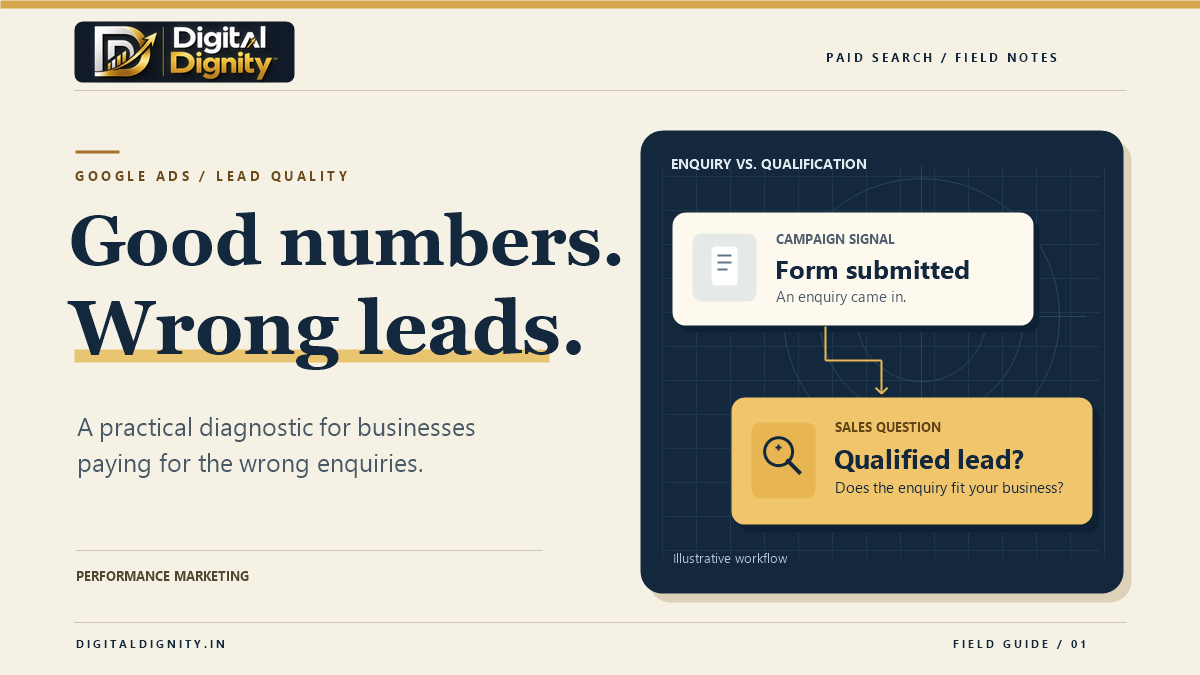
Low-quality Google Ads leads can look like one problem in a report. Then sales opens the list and finds people asking for a different service, prospects outside your coverage area, and leads nobody has contacted yet. Each needs a different fix.
Start by reviewing what happened to a batch of recent leads. Then check what people searched for, what your ad and landing page promised, and what Google Ads counted as a conversion. Do this before changing keywords, bidding or budget.
1. Classify your low-quality Google Ads leads
Ask the person handling enquiries to review recent Google Ads leads with you. Give each lead one outcome and, where you know it, one reason. A spreadsheet is enough to get started.
| What happened | Where to look first |
|---|---|
| The person wanted a service you don’t offer | Search terms, ad wording and landing-page copy |
| The person was outside your service area | Location settings and how clearly you state your coverage |
| The submission was spam or a duplicate | Form protections and how leads are counted |
| The prospect looks suitable, but sales hasn’t reached them | Lead routing, response time and contact attempts |
| Sales confirmed the prospect was a good fit | How that outcome is recorded and reported |
Keep unreachable separate from unqualified. If nobody has spoken to a prospect, you may have a follow-up problem. The reason is still unknown.
2. Check the searches that triggered your ads
For a Search campaign, open the Search terms report and look for patterns. Pay attention to queries about jobs, training or a service you don’t offer. The report shows a subset of the searches that triggered your ads, so use it alongside your lead notes. Google Ads Search terms report guide
Imagine a commercial cleaning company repeatedly gets enquiries about cleaning jobs. If the report shows searches such as “office cleaning jobs”, a carefully scoped negative keyword may help. If the searches look relevant but job seekers still enquire, check whether the ad and landing page make it clear that the form is for businesses requesting a quote. Google Ads negative keyword guidance
3. Follow the ad through to the form
Open the landing page on your phone and compare it with the ad. Can you tell what the business offers, who it serves and what happens after you submit?
If location keeps coming up in sales notes, put your service area near the enquiry form. If people keep asking for a different service, clarify the offer first. Add a qualifying question only when the answer helps your team decide how to respond.
4. Check what the campaign is optimising for
Review the campaign’s conversion goals. A contact button click, a successful form submission and a qualified lead are different stages. If your campaign bids on button clicks, check whether that matches the action you want it to pursue. Check the campaign goal too. An action in a custom goal can be used for bidding even if you mark it as secondary. Google Ads conversion goals guide
Google Ads supports qualified and converted lead goals based on outcomes recorded outside the ad platform. Before connecting those outcomes to Google Ads, define what counts as qualified and make sure your team records it consistently. Google Ads guide to qualified and converted leads
5. Compare campaign results with what sales can use
Put ad spend, enquiries and qualified leads side by side for the same campaign and period. Compare cost per enquiry with cost per qualified lead. Give sales time to review recent leads and track how many are still pending. Otherwise, a new campaign can look worse than an older one where sales has already contacted the leads.
If suitable enquiries are sitting in an inbox, give each enquiry an owner and record the outcome. For help connecting forms, routing and follow-up, see Digital Dignity’s marketing automation services.
If low-quality Google Ads leads are still a problem, review the search terms, landing page, conversion setup and sales feedback together. If you’d like a second opinion on where to start, see Digital Dignity’s performance marketing services.